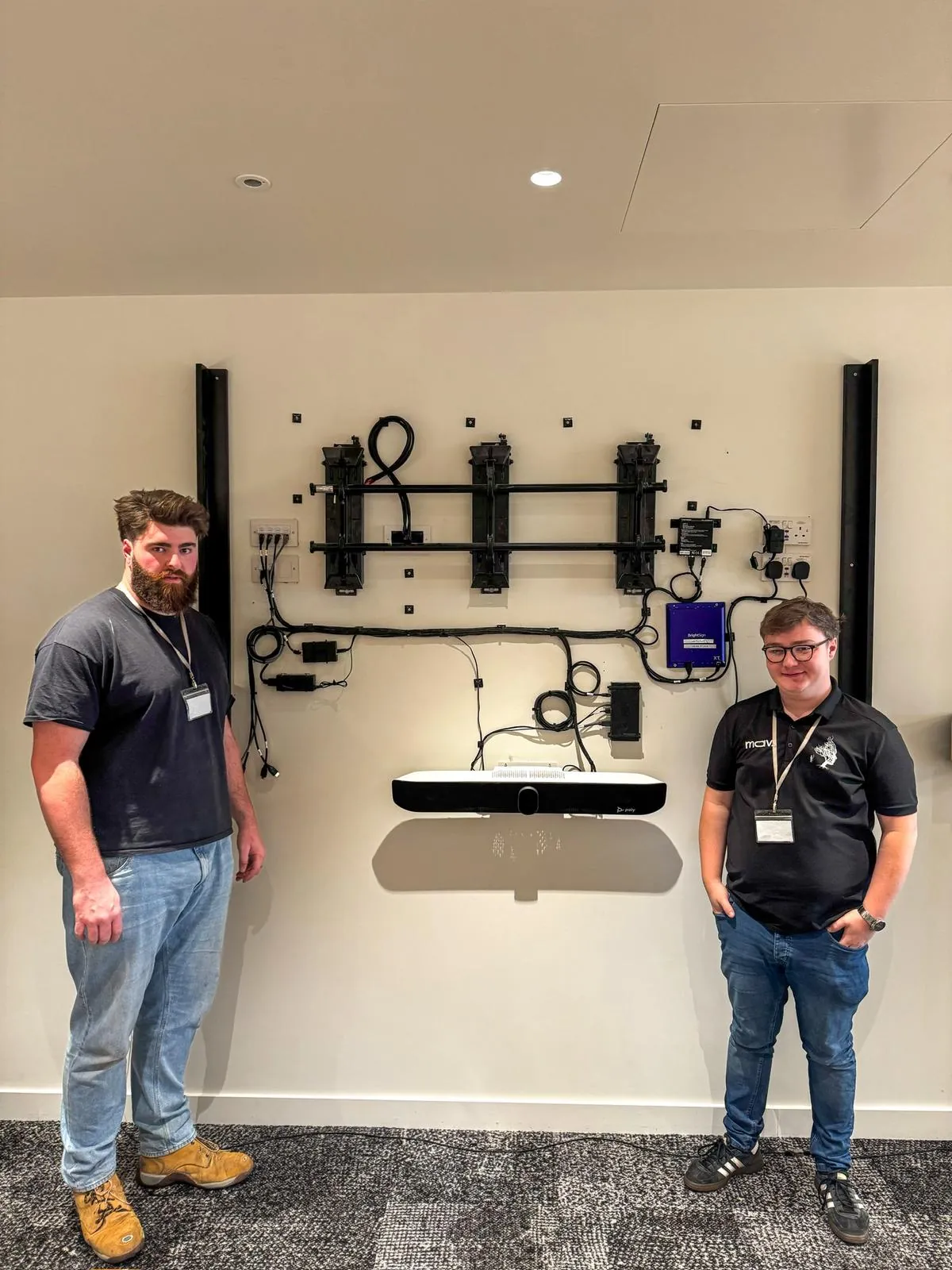
 Updated 12 August 2026 · Reviewed by David Wolfenden, Head of Technical Delivery & Kevin Beetham, Commercial Director
Meeting Room AV Installation UK - Free Site Survey
We design, install and support meeting room AV and video conferencing systems across the UK - displays, cameras, microphones and control, specified to the room rather than to a catalogue, installed by our own ECS-carded engineers and supported afterwards by the same team that fitted them. A typical UK meeting room costs a median £3,900 ex VAT installed, and every project starts with a free site survey.
We would rather look at the room than work from a photograph, because the wall, the ceiling void and the network decide more about the outcome than the choice of video bar does - and the survey costs you nothing. We are based in the North, in Halifax, West Yorkshire, with a second office in London, and we install UK-wide from both.
By room size
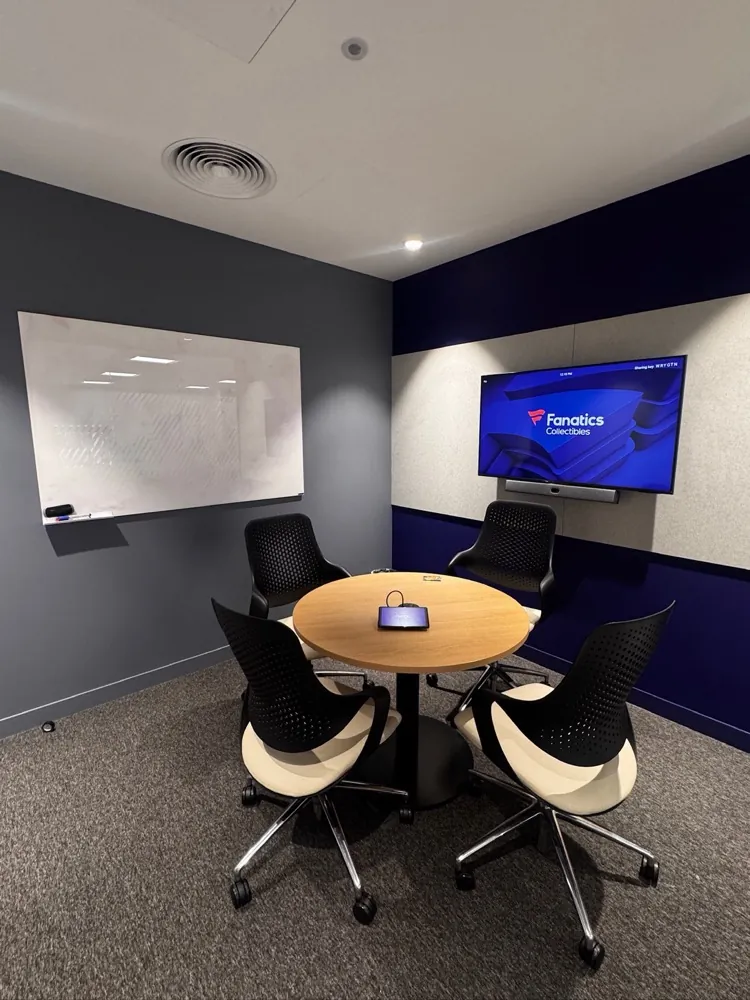
Huddle rooms, 2 to 4 people
- System: All-in-one USB video bar and a single display.
- Display: 55-inch, single.
- Connection: One USB-C cable to a laptop, or a small room appliance for a dedicated system.
- Typical use: Unbooked catch-ups, hot-desking floors, overflow from open plan.
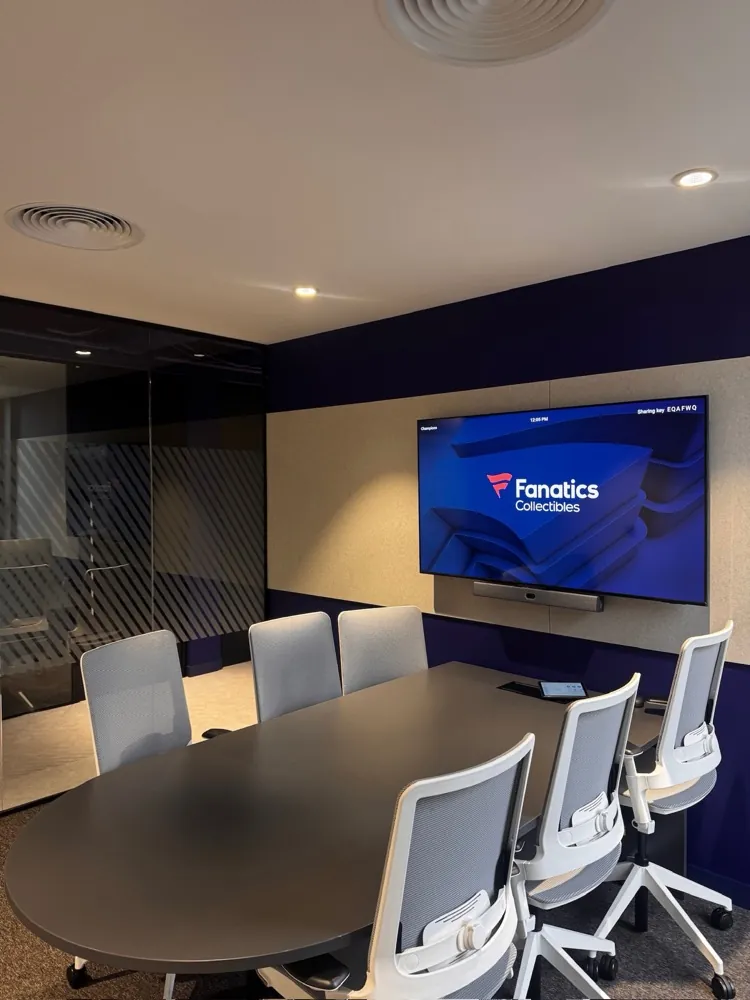
Small meeting rooms, 4 to 8 people
- System: Certified video bar with a dedicated compute appliance and a touch console.
- Display: 65-inch to 75-inch, single.
- Audio: Bar array, with an extension microphone for tables that outrun the bar's built-in pickup range.
- Typical use: Scheduled team meetings, one-touch Teams or Zoom join.
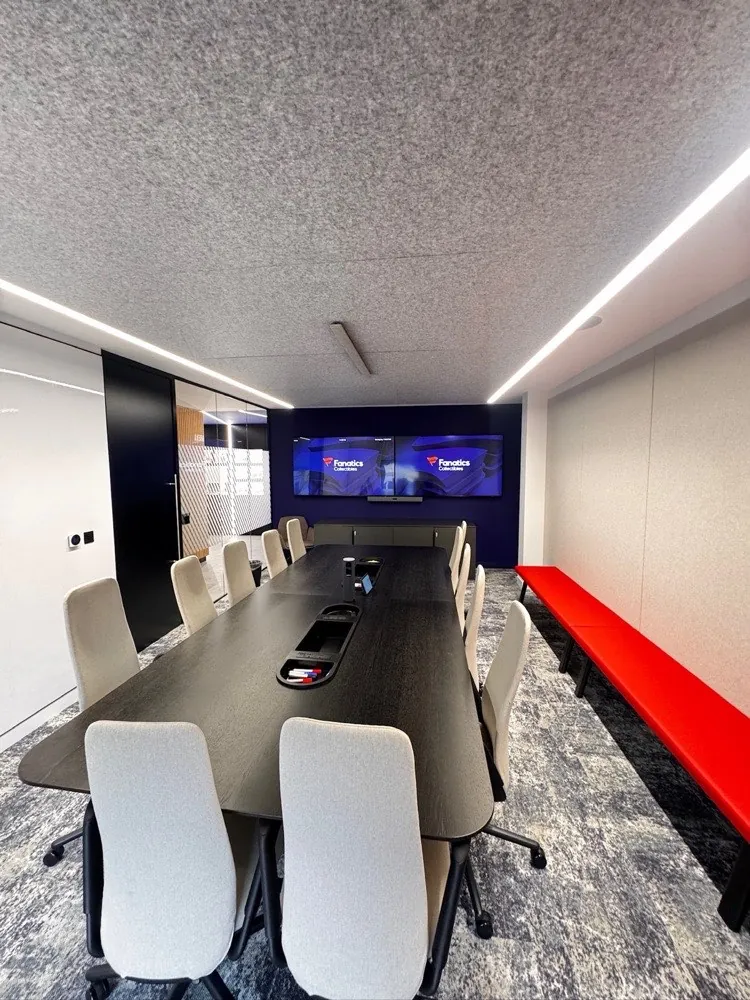
Medium meeting rooms, 8 to 12 people
- System: Video bar or camera plus DSP, dual display, touch console, scheduling panel.
- Display: 75-inch to 86-inch, often dual for people and content.
- Audio: Table or ceiling microphones, with distributed speakers in longer rooms.
- Typical use: Client meetings, hybrid working sessions, content-heavy calls.
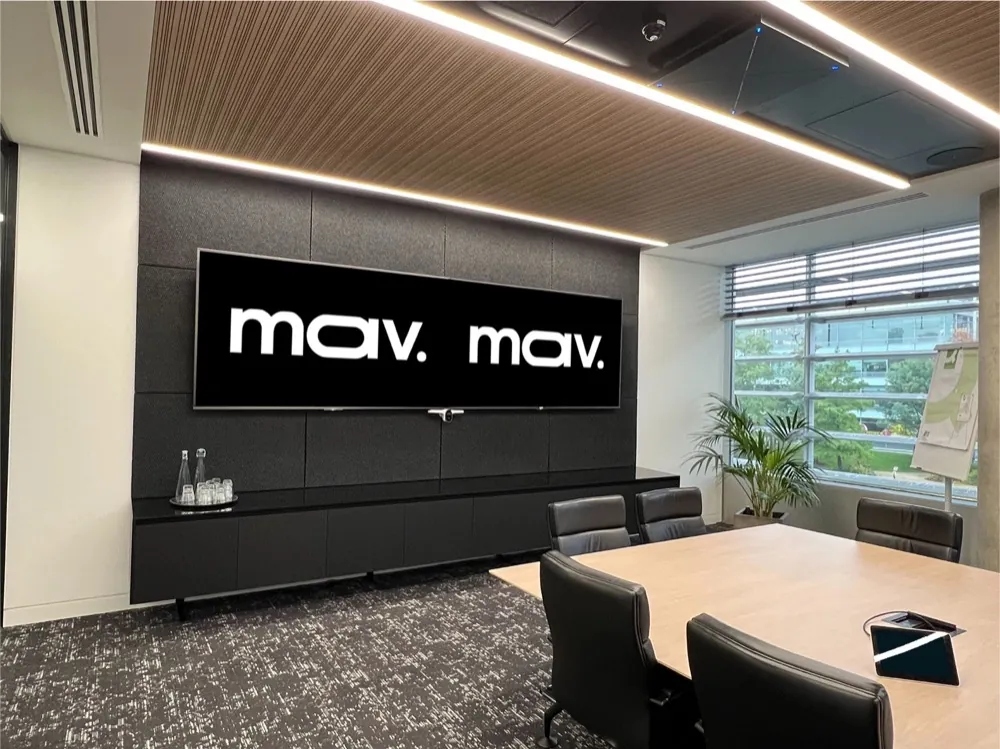
Boardrooms and large rooms, 12 people and above
- System: Multi-camera with switching, DSP-managed audio, dual or triple display, integrated control.
- Display: Dual 86-inch, or a dvLED wall where viewing distance exceeds 8 metres.
- Audio: Ceiling microphone arrays with beamforming, distributed speakers with delay alignment.
- Typical use: Board meetings, town halls, divisible spaces, recorded sessions.
What goes into a meeting room AV system
A meeting room and a conference room take the same system - the labels are interchangeable; what matters is seat count and room dimensions. Every room comes down to the same nine decisions, sized to the space. These are the specifications we install to:
Display
Mount a 55-inch to 86-inch 4K panel with the bottom of the screen at 1200mm (1.2m) from the floor - our standard on every install. With the video bar mounted beneath, that puts the camera at around 1m to 1.1m, in line with seated head height.
Camera
Use an all-in-one video bar in rooms up to 6 people. Use a separate PTZ camera with 4K resolution and 12x optical zoom in rooms over 12.
Microphones
Use the video bar's array up to 6 people. Add ceiling microphone arrays with beamforming above 12, allowing one array to cover an area of up to 9 metres by 9 metres, per Shure's published MXA920 coverage specification.
Speakers
Use the video bar's onboard audio up to 12 people. Add distributed ceiling speakers in rooms over 8 metres long.
Control
Fit a 10-inch touch console on the table or wall for one-touch join, and a scheduling panel outside the door.
Sharing
Let any laptop present without adapters - through the room system itself, a wireless sharing puck, or the same single USB-C cable that charges it.
Compute
Use an integrated appliance for Teams Rooms on Android or Zoom Rooms. Use a Windows compute unit where the room needs Teams Rooms on Windows features.
Network
Provide one PoE+ network port per device - PoE powers the device down the same cable - on a dedicated VLAN, a separate network segment for the room systems, with a reserved address per room.
Cabling
Conceal power, HDMI and Cat6a in containment, the trunking and tray that hides cable runs, or a chased wall, and terminate at a floor box under the table.
Acoustics
Treat rooms where speech hangs in the air - a reverberation time above 0.5 seconds, the standard DSP commissioning target for conferencing spaces - using wall panels or ceiling baffles before adding microphones.
Sources: Shure MXA920 coverage specification, HSE: duty to manage asbestos
What a meeting room AV installation costs
Across 208 fully specified UK meeting rooms in our July 2026 benchmark, the median cost is £3,900 ex VAT installed - hardware, installation, commissioning and handover training together. Small rooms sit below that figure and boardrooms well above it. Prices exclude power alterations, containment and builders work, which we keep out of scope and leave with your electrical contractor.
What moves the number most
- Wall construction: An unbacked plasterboard partition needs a pattress - a reinforcing board fitted inside the wall - and making good before an 86-inch panel goes near it. An 86-inch panel weighs 45 to 50kg before the mount, per the manufacturers' published specifications.
- Ceiling void: No void rules out ceiling microphones and flush speakers, and pushes the design to table microphones or a pendant array.
- Existing containment: Reusing containment is cheap. Chasing an occupied floor is not.
- Room count: A multi-room rollout shares survey, design and mobilisation costs across every room - economies of scale mean the per-room price falls as the programme grows.
- Access: Occupied floors, goods lift booking and out-of-hours working all add engineer days rather than equipment cost.
The room decides the design. Most of the faults we get called in to fix were visible on the first site visit - a partition wall that will not take an 86-inch panel, a ceiling with no void for microphones, a floor box that was never patched. Measure first, specify second.
Recent meeting room programmes
EG Group
A 44-room, multi-floor estate delivered as one programme, one design standard, one project manager.
NEC Software Solutions
31 installations across 12 UK sites delivered to a hard deadline.
Derby City Council
An 8-room Neat estate with full Dante audio for a local authority.
Poundland & Dealz
Six HP Poly meeting rooms pre-staged off-site and installed in 1.25 days on site.
What we do that a hardware specification does not cover
The equipment list is the easy part. These are the items that decide whether the room works on the day, and they are the ones that get missed:
Site survey
Free, and no obligation. We measure the room, check the wall build-up, confirm the ceiling void, check lighting and glare against the camera and screen positions, test the data outlets and photograph the cable routes before anything is ordered.
Asbestos register
We ask for it on any building constructed or refurbished before 2000, in line with the HSE duty to manage asbestos, and we do not drill without it.
Network readiness
We confirm the floor box outlets are live, patched and PoE, and identify the switch and VLAN before install day.
Tenant configuration
Room resource accounts, licence assignment, calendar processing and conditional access exemptions are your IT team's work, not ours. We tell you exactly what is needed and when.
Reused hardware
Kit from a previous office needs the local administrator password, removal from Intune and Autopilot, and release from any previous device management organisation. All three are fixed in advance or the room does not come up.
Site access
All our engineers hold ECS cards as a minimum, the correct scheme for audio visual and low-voltage work on a construction site. We produce site-specific RAMS - risk assessments and method statements - to your main contractor's timescale.
Handover
Commissioning results, as-built documentation, asset register and user training at the end, not a box of cables and a thumbs up.
After the install
Meeting rooms fail quietly. A microphone drops, a camera stops tracking, a certificate expires, and nobody reports it until an important call goes wrong. Our support packages cover remote monitoring, firmware and certification management, planned preventative visits and on-site attendance, with response commitments agreed per contract.
See our support packagesMeeting room AV installation questions, answered
Where we work
Delivered UK-wide from our London and Yorkshire offices, with our own engineers on site.
- Meeting room AV installation in London
- Meeting room AV installation in Manchester
- Meeting room AV installation in Birmingham
- Meeting room AV installation in Leeds
- Meeting room AV installation in Glasgow
- Meeting room AV installation in Edinburgh
- Meeting room AV installation in Bristol
- Meeting room AV installation in Liverpool
- Meeting room AV installation in Newcastle