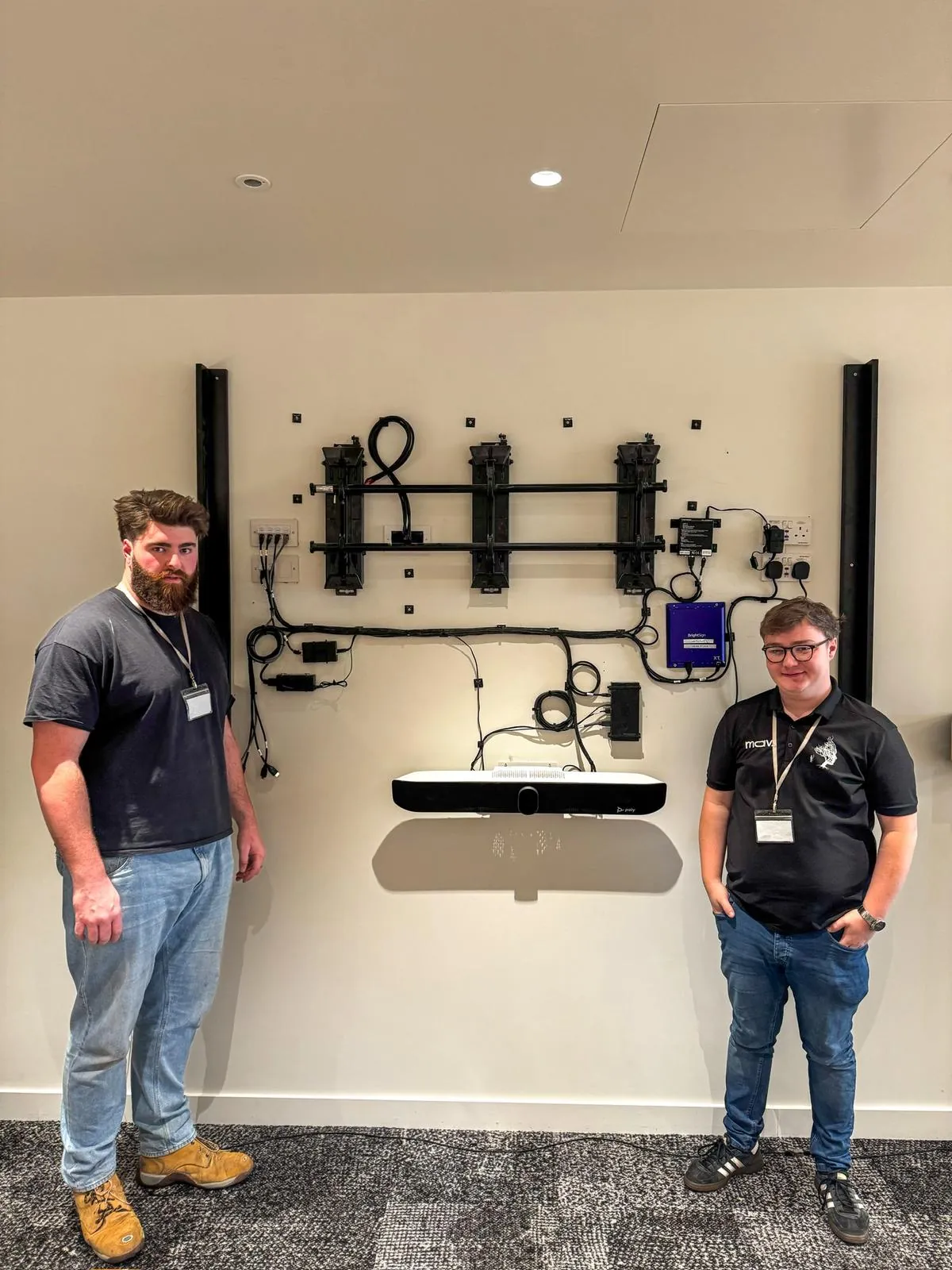
Digital Signage Installation UK - Free Site Survey
We design, install and support digital signage across the UK - commercial screens, Absen LED for the larger formats, BrightSign players, and the content platform that runs them, managed as one estate. We are based in the North, in Halifax, West Yorkshire, with a second office in London, and every project starts with a free site survey.
Digital signage is a network of commercial screens showing scheduled content that updates remotely - a platform, not a TV with a USB stick. From a single reception screen to a multi-site rollout, a digital signage installation only earns its keep if the content keeps playing - so we specify commercial-grade hardware, wire it properly and support it afterwards.
Where signage earns its keep
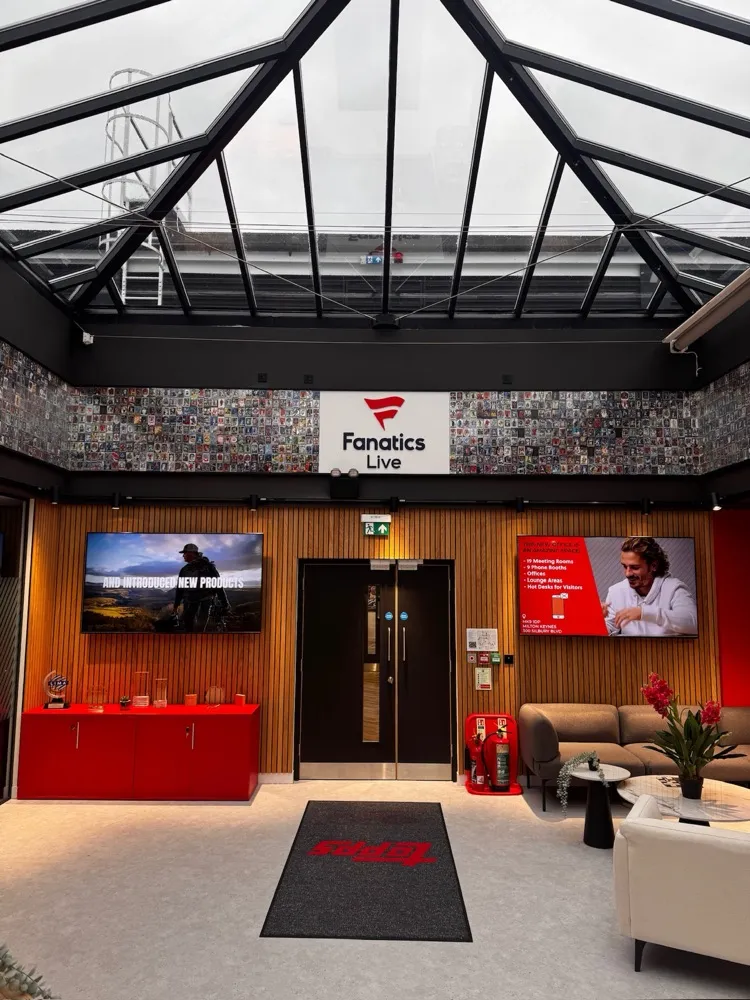
Reception and welcome screens
- Job: First impressions - brand content, visitor welcome and wayfinding on a single display or an LED feature wall.
- Typical fit: A commercial display or Absen LED sized to the atrium, BrightSign player, content scheduled centrally.
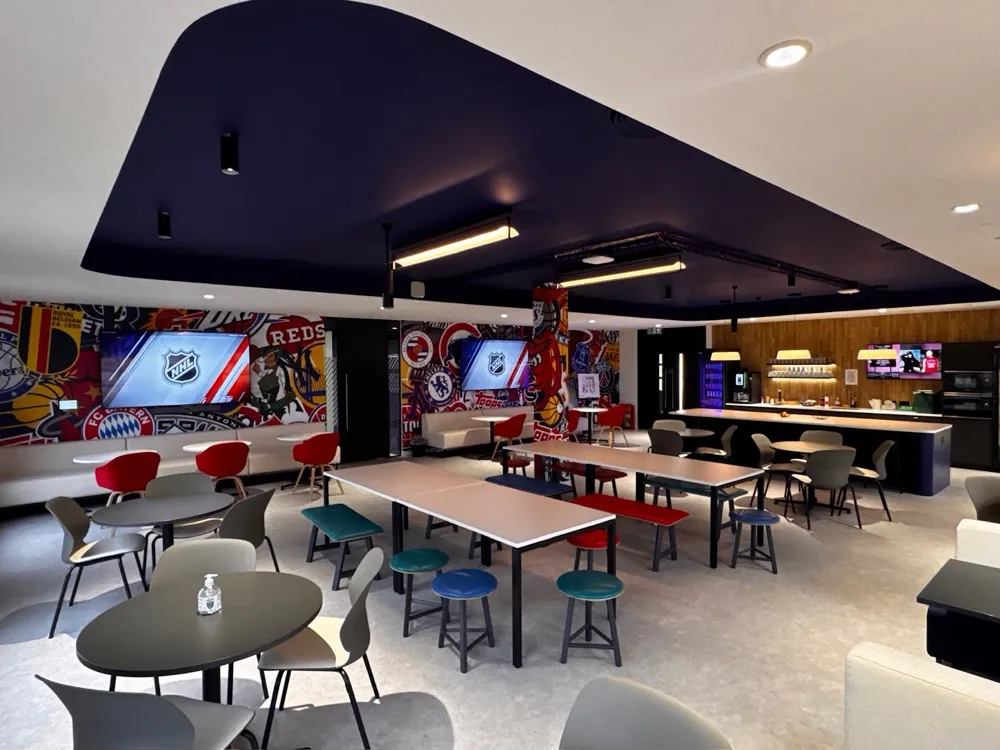
Office communications
- Job: Digital signage for offices and shared spaces - dashboards, KPIs and internal comms across floors and sites, scheduled by team, zone or time of day.
- Typical fit: Commercial displays in shared spaces, one platform, per-zone playlists.
Menu boards and retail
- Job: Digital menu boards that change by daypart - breakfast to lunch to evening without anyone touching a screen - plus point of sale promotions and window displays that work in daylight. Restaurants, QSR counters and retail floors run on the same estate.
- Typical fit: High-brightness panels where they face the street, daypart scheduling for menus, and remote updates across every till, counter and promotional screen.
Wayfinding and directories
- Job: Building directories, meeting room finders and event listings that stay current without anyone touching a screen.
- Typical fit: Displays or kiosks fed live from your booking and events systems.
Stadiums and fan zones
- Job: Concourse screens, fan engagement and matchday content at venue scale, changed for every event.
- Typical fit: High-brightness displays and LED, estate-wide scheduling, remote monitoring across the venue.
Multi-site estates
- Job: One platform across every site - content pushed centrally, players monitored remotely, faults found before anyone reports them.
- Typical fit: Standardised hardware per site, BrightSign's cloud platform or your platform, a managed support contract.
What goes into a digital signage system
Digital signage systems, solutions and installers vary enormously - whichever digital signage company you choose, every reliable estate comes down to the same ten decisions. These are the specifications we install to:
Screen
Choose digital signage screens built for the job - commercial panels are rated for 16 or 24 hours a day of continuous use and carry commercial warranties; consumer TVs are not, and most consumer warranties exclude commercial use.
Brightness
Match brightness to the light in the space - standard indoor signage needs roughly 350 to 700 nits (the measure of screen brightness), and window-facing displays need far more to beat daylight.
LED
Use Absen direct view LED where one screen cannot reach - large formats, bright atriums and window displays are built from LED panels sized exactly to the space. Fully outdoor positions take outdoor-rated LED and IP-rated (sealed against weather) enclosures, specified per position.
Player
Drive every screen with a BrightSign player - a purpose-built signage device running BrightSignOS rather than a PC that needs patching, with a 5 year warranty on current models.
Platform
Manage content through BrightSign's cloud platform or your existing platform - scheduling, playlists and estate-wide updates from the cloud, set up by us and handed to your team.
Network
Prefer a wired connection on a dedicated VLAN, a separate network segment for the signage estate - and if the network drops, BrightSign players keep playing their stored content locally.
Mounting
Fix to what the wall can carry - VESA mounts (the standard bracket pattern on the back of a screen) rated for the panel weight, with a pattress (a reinforcing board fixed inside the wall) where a partition cannot take the load.
Power and data
Put a power spur and a data point behind every screen position, concealed in containment, the trunking that hides cable runs - a visible cable undoes the point of good signage.
Content
We set the platform up, load your launch content and train your team - creating ongoing content stays with you or your agency, and we make sure it plays reliably everywhere.
Compliance
Check advertisement consent before any outward-facing or window display - separate planning rules apply to adverts under the Town and Country Planning (Control of Advertisements) (England) Regulations 2007.
How digital signage installation works
Whether we install it or you are weighing up doing it yourself, this is the order that works:
Site survey
Free, and no obligation. We check sightlines and daylight, wall build-up, power and data, network state and access before anything is ordered.
Design and platform choice
Screen sizes and brightness per position, LED where a panel cannot reach, players, and the content platform - BrightSign's cloud platform or the one you already run.
Consent check
For outward-facing or window displays we confirm whether advertisement consent applies before committing to positions.
First fix
Power spurs, data points and containment go in first, so no cable is ever visible around a finished screen.
Install and commission
Mount, cable, connect and configure every screen and player, then prove the estate end to end.
Content go-live
Platform configured, your launch content loaded and scheduled, playback proven on every screen.
Handover and training
As-built documentation, an asset register, and training for the team who will run the content day to day.
What moves the price
Every signage estate is priced from a survey rather than a rate card, because the same screen count can vary widely in cost. What moves the number most:
- Screen count and estate size: A multi-screen rollout shares survey, design and mobilisation costs across every screen - economies of scale mean the per-screen price falls as the estate grows.
- LED versus commercial display: Direct view LED is priced by size and pixel pitch (the spacing between LED clusters - the smaller the pitch, the sharper the image up close, and the more it costs) and sits well above a single commercial panel. It earns its cost where a panel physically cannot do the job.
- Mounting surfaces: A solid wall with easy access is quick. Partitions needing a pattress, high positions needing access equipment, and heritage fabric all add time.
- Network state: Live, patched data points near every position keep the install short. New runs, new switches or a new VLAN add scope.
- Access and hours: Occupied floors, public spaces and out-of-hours working add engineer days rather than equipment cost.
- Platform and integrations: A standard platform setup is predictable. Feeds from booking systems, dashboards or data sources add configuration time.
The hardware we build on
BrightSign
Reach for BrightSign for the player behind every screen - as a BrightSign installer and Bright Alliance partner, it is what we fit as standard.
- Purpose-built BrightSignOS - a device built only to run signage, not a PC to patch and secure.
- PoE+ models power the player down the network cable - one less socket behind every screen.
- BrightSign's cloud platform gives dashboards for content, players and monitoring across the estate.
Absen
Reach for Absen where the job is bigger or brighter than any single panel - LED walls, atriums and window displays.
- Direct view LED built from panels, so the display is sized and shaped exactly to the space.
- High-brightness options built to stay readable in daylight and glass-fronted spaces.
- Serviceable panel construction - individual modules can be swapped without replacing the display.
- Indoor pixel pitches from around 0.78mm up to 3.9mm across the current range, matched to viewing distance.
A signage estate is judged on its worst screen. One dead display in a reception says more than fifty working ones - which is why we would rather survey the building, wire it properly and monitor the estate than mount screens and hope.
Signage we have delivered
Fanatics Collectibles
Reception and atrium signage across the UK headquarters, delivered as part of a full workplace AV estate.
After the install
Signage fails quietly - a screen dies, a player drops offline, content stops updating, and nobody reports it because nobody owns it. Our managed estate support covers remote monitoring, content platform health, firmware, planned visits and on-site attendance, with response commitments agreed per contract.
See our support packagesDigital signage questions, answered
Sources: BrightSignOS - purpose-built signage OS, BrightSign 5 year warranty and Series 6 players, BrightSign two millionth player shipped (2021), Advertisement consent - The Town and Country Planning (Control of Advertisements) (England) Regulations 2007, Absen KLCOB V3 Series - indoor pixel pitch from 0.78mm, Absen K V3 Series - indoor pixel pitch to 3.9mm, Absen JD-H Series - modular, on-site panel maintenance, Absen company profile - installations and countries served, Samsung QBC series - 350 nit commercial display specifications, Samsung QHC series - 700 nit commercial display specifications, Samsung UK and Ireland warranty terms - business use exclusion
Where we work
Delivered UK-wide from our London and Yorkshire offices, with our own engineers on site.
- Digital signage installation in London
- Digital signage installation in Manchester
- Digital signage installation in Birmingham
- Digital signage installation in Leeds
- Digital signage installation in Glasgow
- Digital signage installation in Edinburgh
- Digital signage installation in Bristol
- Digital signage installation in Liverpool
- Digital signage installation in Newcastle